
Download Murf – AI Text‑to‑Speech, Voiceover Creator & Multilingual TTS Tool
Overview – Why Murf Is the Go‑to TTS Solution for Creators
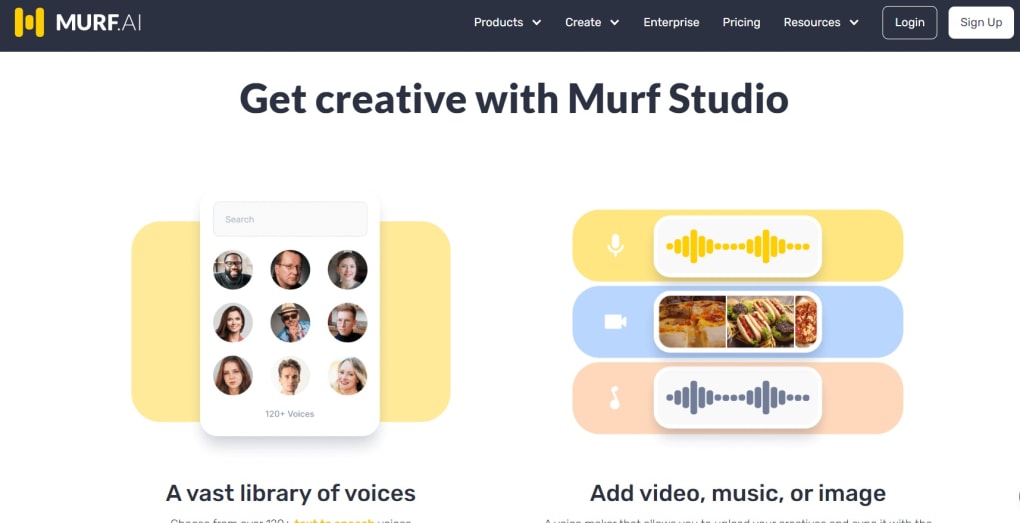
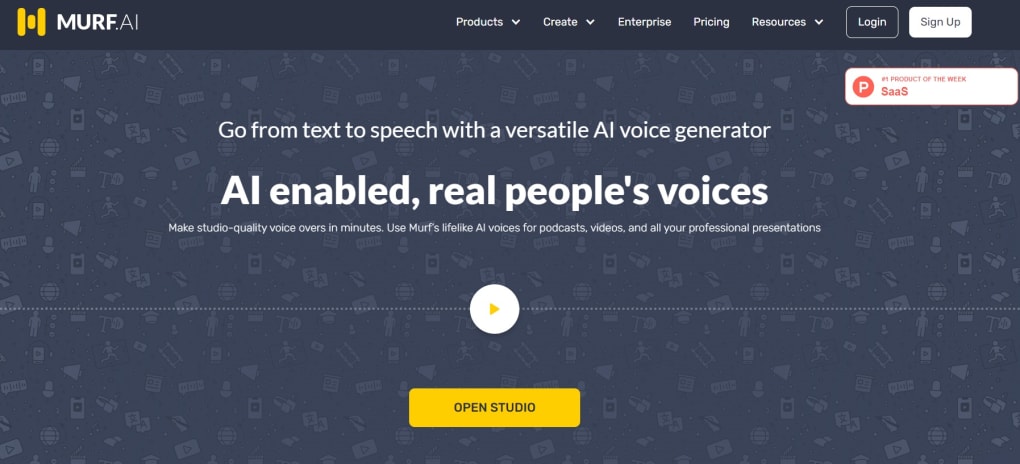
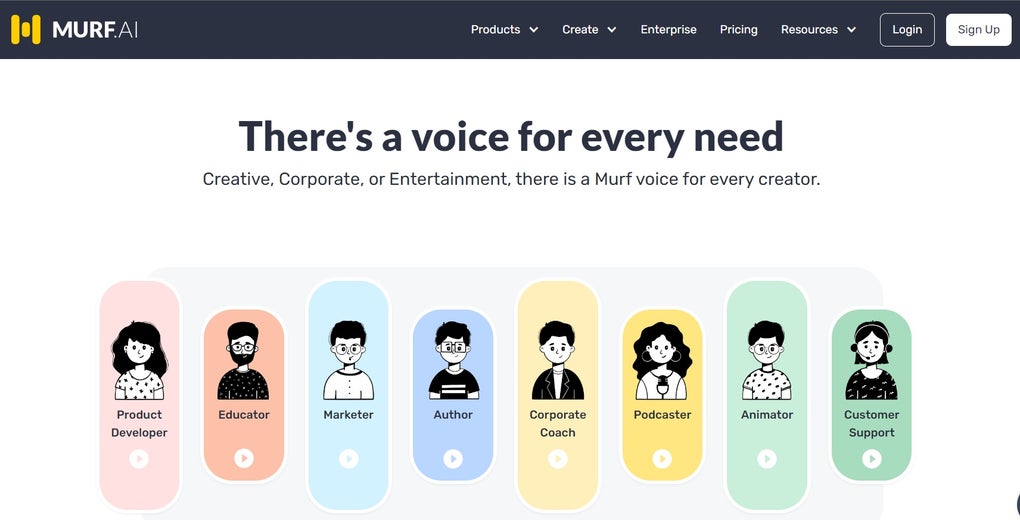
Murf AI is a cloud‑based text‑to‑speech (TTS) platform that turns plain text into natural‑sounding voiceovers in seconds. Designed for YouTubers, marketers, e‑learning authors, podcasters, and software developers, Murf eliminates the costly and time‑consuming steps of hiring voice talent, booking a studio, and manually syncing audio with visual assets. By leveraging modern machine‑learning models, Murf offers more than 120 distinct voices across 20+ languages, each fine‑tuned for gender, age, accent, and emotional style.
Whether you need a cheerful narrator for a tutorial, a authoritative newscaster tone for a corporate video, or a conversational voice for an IVR system, Murf provides a simple web interface where you paste your script, pick a voice, and let the AI generate a studio‑quality track. The platform also bundles a lightweight editor that lets you adjust pitch, speed, volume, and emphasis, as well as add background music, images, or video clips—all without leaving the browser. This all‑in‑one workflow speeds up production cycles dramatically, making it possible to launch a full‑fledged voice‑driven project in minutes rather than days.
For creators who value speed, flexibility, and a professional finish, Murf stands out as a secure, regularly updated, and easy‑to‑learn solution that works on any device with an internet connection.
Key Features & How to Get Started with Murf
- 120+ AI‑Generated Voices – Choose from a diverse catalog that spans gender, age groups, regional accents, and tonal styles such as cheerful, aspirational, or authoritative.
- 20+ Languages & Dialects – Produce multilingual voiceovers for global audiences, with automatic pronunciation handling for complex terms.
- Style & Application Filters – Quickly select the appropriate voice style (e.g., narration, promo, tutorial) and the intended use case (podcast, e‑learning, advertisement).
- Real‑Time Editing Controls – Adjust pitch, speed, volume, and emphasis on the fly; add pauses or stress specific words for a natural rhythm.
- Multimedia Sync – Import images, video clips, and background music; the built‑in timeline aligns audio with visual elements automatically.
- Voice‑Alteration (Voice Candy) – Modify the generated voice to match a brand’s unique timbre or to create a custom character voice.
- Secure Cloud Storage – All projects are saved securely in the cloud, allowing you to collaborate with teammates and access files from any device.
- One‑Click Export – Export finished projects in MP3, WAV, or directly embed them into YouTube, Vimeo, or LMS platforms.
Installation & First‑Time Use
Getting started with Murf requires no download—simply visit murf.ai and create a free account. After confirming your email, you’ll be taken to the dashboard where the “New Project” button launches the script editor. Paste your text, select a voice from the library, and click “Generate.” Within seconds, an audio preview appears; you can then fine‑tune the voice using the sliders for pitch, speed, and volume.
To add visuals, click the “Media” tab, upload your images or video, and drag them onto the timeline. Finally, press “Export” to download the finished voiceover or share a public link. The intuitive UI makes the entire workflow achievable for beginners while still offering depth for power users who need precise control over every audio parameter.
Compatibility, System Requirements, & Pros vs. Cons
Murf is a fully web‑based application, which means it runs on any modern browser (Chrome, Edge, Firefox, Safari) across Windows, macOS, Linux, Android, and iOS. Because all processing happens in the cloud, there are no heavy CPU or GPU requirements on the client side—just a stable internet connection (minimum 3 Mbps recommended) and a browser that supports WebGL for the visual editor.
Pros
- Instant, high‑quality voice generation without needing recording equipment.
- Extensive voice library with granular filters for style, gender, and locale.
- Multilingual support eliminates the need for separate translation services.
- Integrated media editor removes the need for third‑party video‑editing software.
- Secure, cloud‑based storage enables easy collaboration and version control.
- Free tier available for testing, with affordable premium plans for larger teams.
Cons
- Reliance on an internet connection—offline work isn’t possible.
- Premium voices and advanced export formats are locked behind paid plans.
- While the AI is impressive, extremely niche accents may still sound slightly synthetic.
- Complex projects with many media assets can experience slight latency on slower connections.
Frequently Asked Questions & Final Thoughts
Can I use Murf for commercial projects?
Yes. All paid plans include a commercial‑use license, allowing you to incorporate generated voiceovers into ads, client deliverables, and revenue‑generating platforms without additional fees.
Is there a free version, and what are its limitations?
Murf offers a free tier that lets you generate up to 10 minutes of audio per month using a limited set of voices. Export options are restricted to MP3, and advanced editing features (like pitch curves) require a paid subscription.
How secure is my data on Murf’s cloud?
Murf employs SSL/TLS encryption for data in transit and stores files on encrypted servers compliant with GDPR and CCPA. You can also set project passwords for added privacy.
Can I customize the pronunciation of brand‑specific terms?
Absolutely. The editor includes a “Pronunciation” field where you can provide phonetic hints (using IPA or simple phoneme spelling) to ensure the AI says your product names correctly.
What export formats are available for premium users?
Premium subscribers can export in WAV (48 kHz), high‑bitrate MP3, and directly embed audio into HTML5 players. Batch export for multiple scripts is also supported.
Conclusion – Should You Download Murf?
For anyone who needs high‑quality voiceovers without the logistical overhead of a recording studio, Murf delivers a compelling mix of speed, flexibility, and polish. Its extensive voice catalog, multilingual capability, and integrated media editor make it a one‑stop shop for creators across YouTube, e‑learning, podcasting, and advertising. While the reliance on an internet connection and the tiered pricing model may be drawbacks for some, the overall value—especially for small teams and solo creators—far outweighs these minor inconveniences. Ready to turn your scripts into professional audio in minutes? Download Murf today and experience the future of AI‑powered voice production.
Murf impresses with its vast voice library, intuitive editor, and seamless cloud workflow. The pros—speed, multilingual support, and integrated media syncing—make it a top choice for modern content creators. Minor cons like offline limitations are outweighed by the overall productivity boost.



.png)



